SuiteCRM Migration: From Zoho, Salesforce, HubSpot or SugarCRM — Done Properly
A CRM migration isn't an import — it's a rebuild of relationships, history and workflows on a new platform. This guide covers what to export, how to map modules, what breaks in each source CRM, and how CRMAppz runs a migration that cuts over cleanly.
Request a Migration Scope Assessment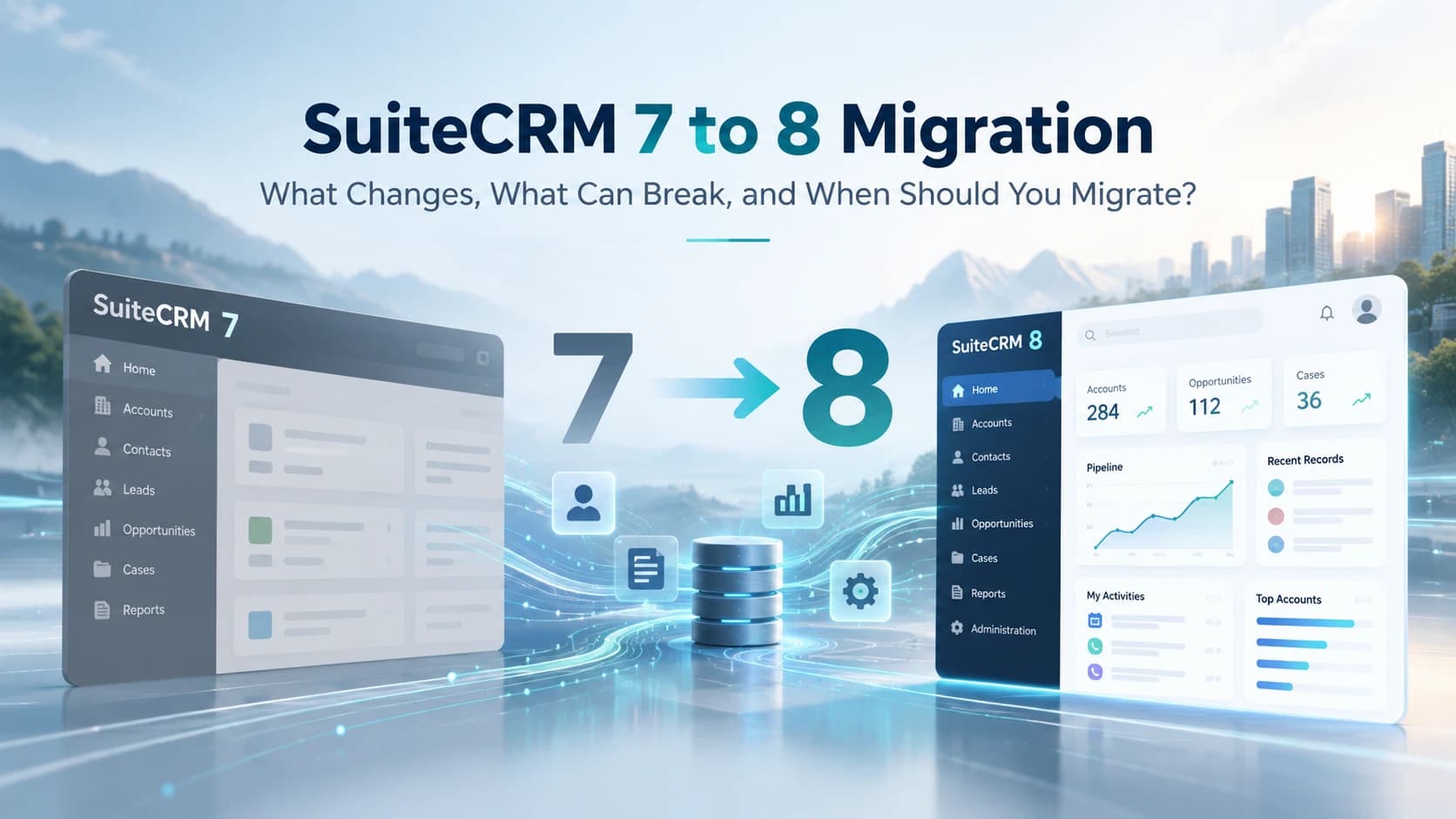
What actually goes wrong in CRM migrations, the five-stage process CRMAppz runs to avoid it, and the per-platform specifics for Zoho, Salesforce, HubSpot and SugarCRM.
Category: SuiteCRM / CRM Migration / Technical Advisory
Author: CRMAppz Engineering Team
On this page
Why Most CRM Migrations Fail — and How Not to Be One of Them
Three things go wrong, repeatedly.
1. Imported but orphaned records
The rows land, but the relationships between them don't. Contacts arrive without their accounts, opportunities without their stages, cases without the emails that triggered them. The data is "in" and nobody can use it.
2. Lost history
Email threads, call logs, attachments and change history are the hardest to export cleanly, and the first things sales and service teams notice are missing.
3. Workflow silence
Automation, approval rules, email templates and reports don't migrate automatically. If you port the data but not the processes, week-one productivity drops — and the project is blamed on SuiteCRM.
The Five Migration Stages
How CRMAppz runs a CRM migration — each stage has deliverables you can sign off before the next begins.
- Scope and audit — inventory source systems, record counts per module and custom fields
- Data mapping — source modules, fields, picklists and identity keys mapped to SuiteCRM
- Test migration — representative sample loaded into a sandbox, inspected by real users
- Customisations and workflows — templates, automations and reports rebuilt in SuiteCRM
- Cutover and parallel run — production load, flip integrations, reconcile for 1–2 weeks
Stage 1 — Scope and audit
- List every source system (not just the main CRM — email, telephony, spreadsheets, old databases)
- Count records by module: Accounts, Contacts, Leads, Opportunities, Cases, Tasks, Notes, Emails, Attachments
- Identify custom fields, custom objects and picklist values per module
- Separate what users actually use from what exists in the database (often a 3:1 ratio)
Stage 2 — Data mapping
- Map source modules → SuiteCRM modules. One-to-one for standard modules; rarely for Salesforce custom objects
- Map picklist values exactly — mismatches silently break reports after cutover
- Decide the identity key per module (email, phone, custom ID); this is how duplicates are resolved and how downstream integrations find the record later
- Agree what to drop — not everything deserves migration. Old leads with no activity in 36 months usually archive to CSV, not import
Stage 3 — Test migration (sandbox)
- Pull a representative sample covering the full shape of the data (not just 10 rows)
- Load into a staging SuiteCRM, run the mappings, inspect
- Walk a real user through finding their records, their last five opportunities, the right history
- Fix mapping gaps; repeat until the users say "this is what I expect"
Stage 4 — Customisations and workflows
- Port email templates (text first, then formatting)
- Rebuild approval and routing rules in SuiteCRM's workflow engine — or in n8n for anything heavier
- Rebuild the reports that are actually used
- Re-point every integration (website forms, WhatsApp, accounting) at the new SuiteCRM endpoints — but don't flip them live yet
Stage 5 — Cutover and parallel run
- Freeze the source CRM for writes (a weekend or a working day)
- Run the full production load
- Flip the integrations
- Run parallel for 1–2 weeks: anything created in the source during cutover gets reconciled, and the source stays readable for reference
- Decommission the source only after reconciliation is signed off
Need a cutover plan written for your source CRM?
CRMAppz's migration process covers scope, mapping, sandbox test, workflow rebuild and parallel-run cutover. Each stage has deliverables you can sign off before the next starts.
From Zoho, Salesforce, HubSpot and SugarCRM — Per-Platform Notes
From Zoho CRM
- Export shape: Zoho's Data Backup gives clean CSVs per module, but attachments and email history need a separate pull via the Zoho API
- Common landmines: custom Lookup fields often point across modules; Blueprints and workflow rules don't export
- Typical timeline: 2–4 weeks for a mid-sized tenant with standard modules; longer if Deluge scripts need equivalents
From Salesforce
- Export shape: Data Loader for standard objects, but Chatter posts, attachments and activity history need targeted exports
- Common landmines: custom Objects with master-detail relationships have no 1:1 SuiteCRM equivalent and may need refactoring to lookup + required-field patterns; Apex triggers and Flows must be rewritten
- Typical timeline: 6–12 weeks, often phased by business unit
From HubSpot
- Export shape: HubSpot's native exports cover Contacts, Companies, Deals and Tickets well; email history and notes need API pulls
- Common landmines: HubSpot's activity timeline is deeply integrated — reconstructing it in SuiteCRM means loading History records in time order with correct user attribution
- Typical timeline: 2–5 weeks. Usually simpler than Salesforce, harder than Zoho on timeline
From SugarCRM
- Export shape: SugarCRM and SuiteCRM share ancestry, so module structure is similar — but versions diverge on custom module storage and relationships
- Common landmines: Studio-made customisations may use different field types; relationships and security roles need rework even where Opportunities don't
- Typical timeline: 3–8 weeks, depending on how heavily customised the source org is
| Source CRM | Easiest part | Hardest part | Typical timeline |
|---|---|---|---|
| Zoho | Standard module exports via Data Backup | Blueprints, Deluge, API-exported attachments | 2–4 weeks |
| Salesforce | Standard-object Data Loader exports | Apex, Flows, master-detail refactor | 6–12 weeks |
| HubSpot | Contacts, Companies, Deals, Tickets exports | Activity-timeline reconstruction | 2–5 weeks |
| SugarCRM | Shared ancestry with SuiteCRM | Studio customisations, security roles | 3–8 weeks |
What CRMAppz Guarantees in Writing
In scope
- A signed-off data mapping document before any production load
- A test migration into a sandbox you can log into
- A written cutover plan with freeze window, reconciliation checklist and rollback trigger
- Parallel-run support for the agreed window (typically 1–2 weeks)
Out of scope (unless explicitly added)
- "Enriching" data beyond what your source CRM contains
- Legal retention or compliance sign-off on migrated data — your DPO or legal team signs that off
- Running the source CRM on your behalf after cutover
Pre-Migration Readiness Checklist
A useful set of answers to have before the first mapping call — the more of these are agreed internally, the shorter the scoping phase.
Source CRM inventory
- A list of modules in active use (not everything available)
- Record counts per module, to one significant figure
- A list of custom fields and custom objects, with their purpose in one line each
- A list of email templates and automations currently used
Downstream systems
- Every integration that writes to or reads from the current CRM
- Which of those are driven by the CRM and which by the other system
- Which webhook or API endpoints need to be re-pointed on cutover
People and process
- A named operating owner for the CRM after go-live
- A named project owner from the business (not IT)
- A written list of what success looks like at 30 and 90 days
For how migration fits into the broader project cost, see the CRM implementation cost guide — data migration is driver 3 of the five.
A Sensible Next Step
The pattern that works, repeatedly:
- Agree the source CRM and the modules in actual use
- Count records per module to the nearest significant figure
- List integrations that need to move with the CRM
- Request a written mapping outline and cutover draft (one working week)
- Review, adjust scope, then book the sandbox test
Between stages 1 and 3 you already have most of the information you need to decide whether to proceed — and you haven't moved any production data yet.
A Migration Is a Rebuild, Not an Import
The data load is one day. The scoping, mapping, sandbox testing, workflow porting and reconciliation are the project. Teams that treat migration as "export, import, go" end up with orphaned records, missing history and silent workflow gaps that show up as customer complaints two weeks after cutover.
CRMAppz runs migrations with a written mapping document before any production load, a sandbox you can log into, a parallel-run window you can roll back from, and no unrealistic "zero downtime" claims.
Planning a SuiteCRM Migration?
Tell us which source CRM you're on, roughly how many records per module and which integrations have to move too. That is enough to scope a realistic migration timeline and cutover plan — once.
Verification references
Source CRM export mechanics and API limits change over time. Confirm the current capabilities of your source platform against the official documentation before planning a migration.
Related knowledge
SuiteCRMSuiteCRM 7 to 8 Migration: What Changes, What Can Break, and When Should You Migrate?A practical, balanced guide to SuiteCRM 7 to 8 migration — what changes, what normally survives, what needs investigation, where migrations get difficult, and when delaying can be the sensible decision.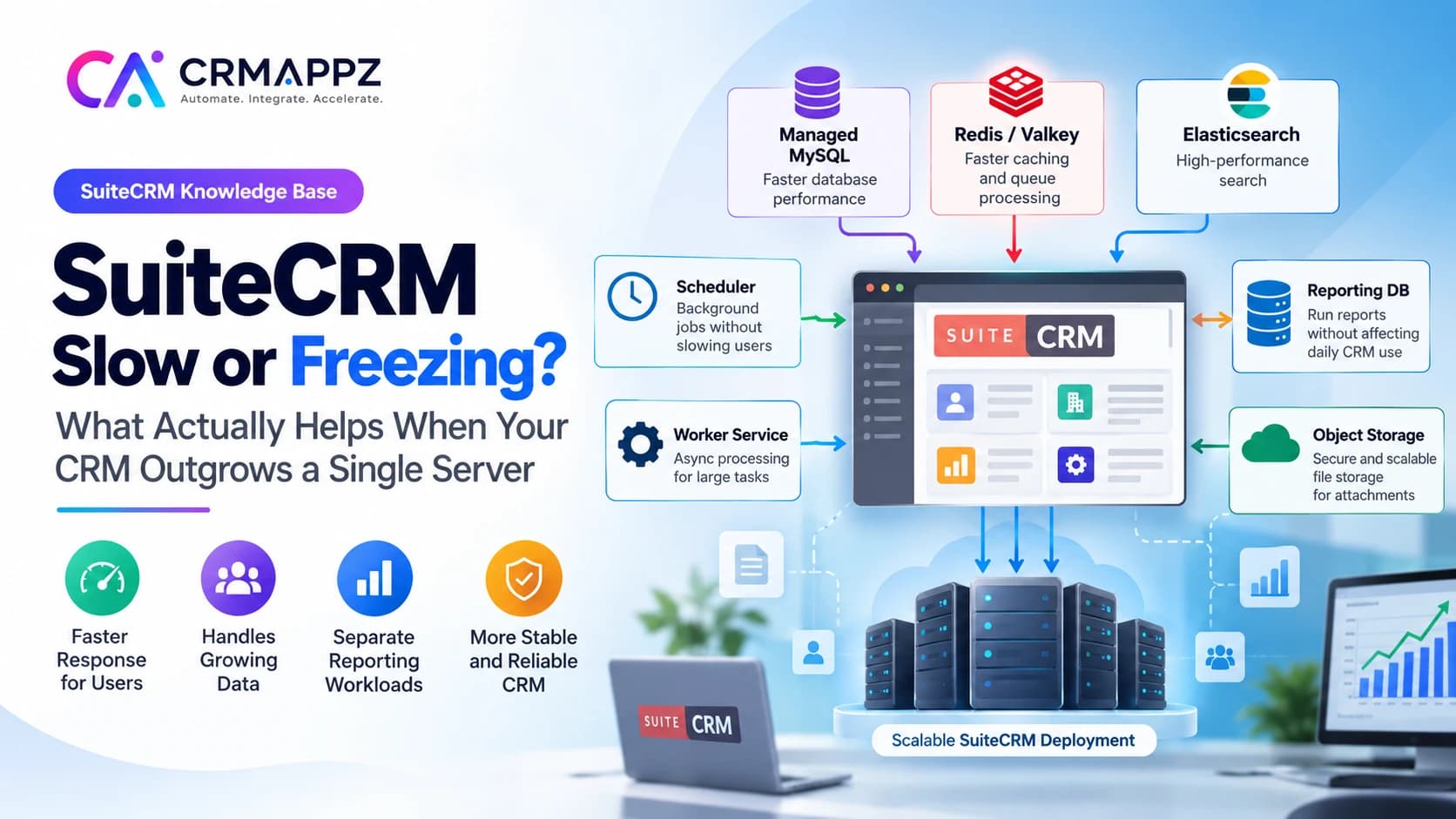 SuiteCRMSuiteCRM Slow or Freezing? What Actually Helps When Your CRM Outgrows a Single ServerA practical guide to improving the performance of a mature, data-heavy SuiteCRM — what normally causes slowdowns, which supporting components genuinely improve responsiveness and reliability, and when changing the deployment architecture starts to make business sense.
More SuiteCRM guides in preparation
- Is SuiteCRM 7 End of Life?
- SuiteCRM 7 vs SuiteCRM 8
- SuiteCRM 7 to 8 Migration Checklist
- What Happens to Customisations During SuiteCRM 8 Migration?
- SuiteCRM 8 Migration Risks
- SuiteCRM Migration Cost
- SuiteCRM Migration Readiness Assessment
- How to Audit SuiteCRM Before Migration